Filtering Sales Representatives
In this guide:
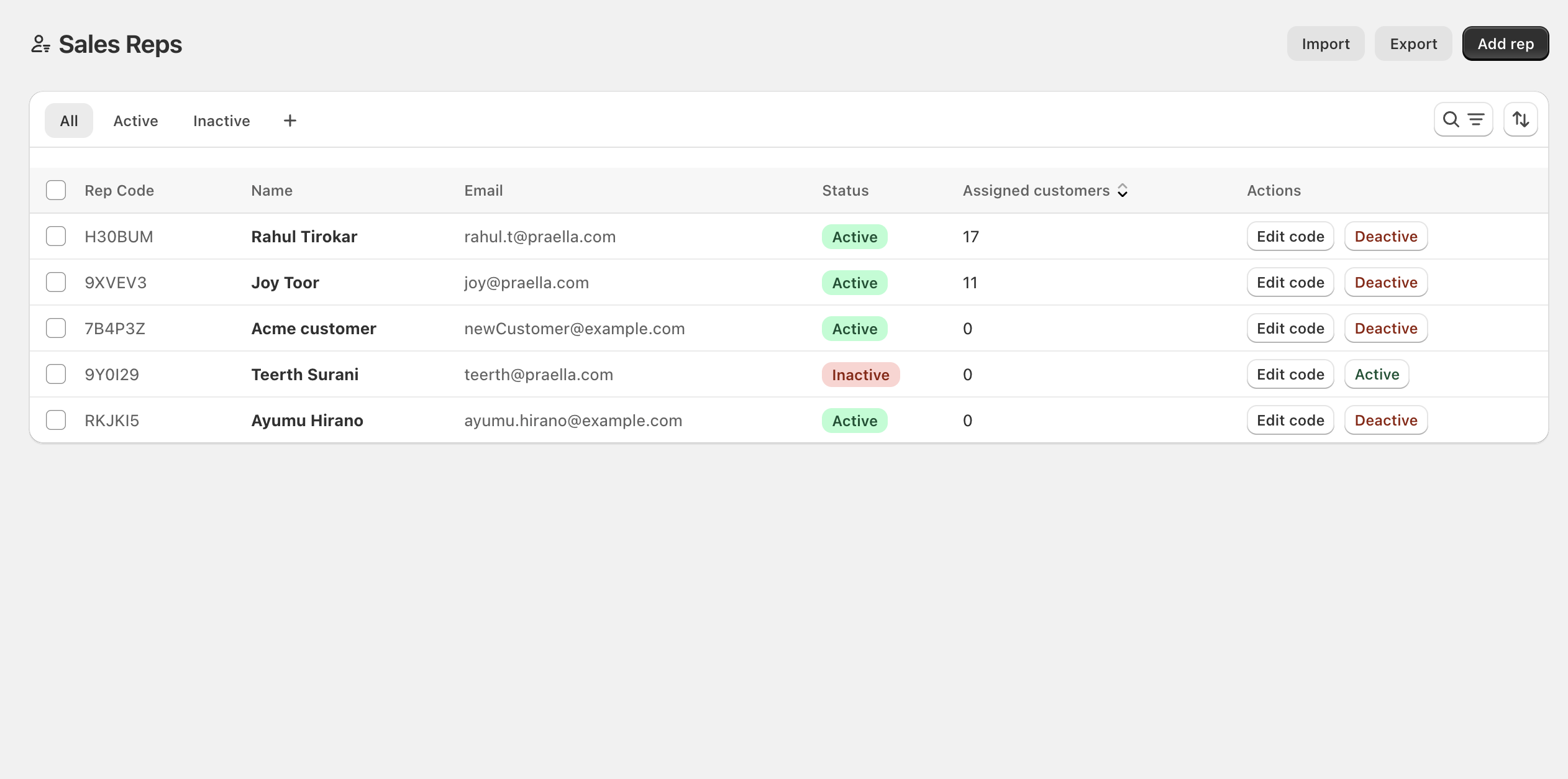
All Sales Representatives
The default All tab shows every rep regardless of status.
Active Sales Representatives
The Active tab shows only reps who can currently use storefront rep features.
Inactive Sales Representatives
The Inactive tab shows only reps currently turned off.
A + control next to the default tabs lets staff save a custom filter/search/sort combination as a new tab (saved view). A sort control opens ordering by rep code, name, email, status, or assigned customer count.