Overview
This module is for store owners, operations staff, and buyers who manage incoming stock in Shopify Admin (Shopify Admin → Apps → B2B Plus → Purchase Orders). It covers listing and filtering purchase orders, creating and editing POs, receiving inventory, closing orders, and generating POs directly from inventory shortages.
In this guide:
- What are Purchase Orders?
- How Purchase Orders Work in B2B Plus
- Benefits of Using Purchase Orders
- Purchase Order Lifecycle
Watch the purchase orders tour
What are Purchase Orders?
A purchase order (PO) is a record of stock a store intends to buy from a supplier. Each PO includes a supplier (from the supplier list), a destination location where goods are expected, line items — Shopify products or custom products with quantity, unit cost, and optional tax — pricing (subtotal, shipping/handling, discounts, and tax), and optional shipping/billing addresses, comments, and tags.
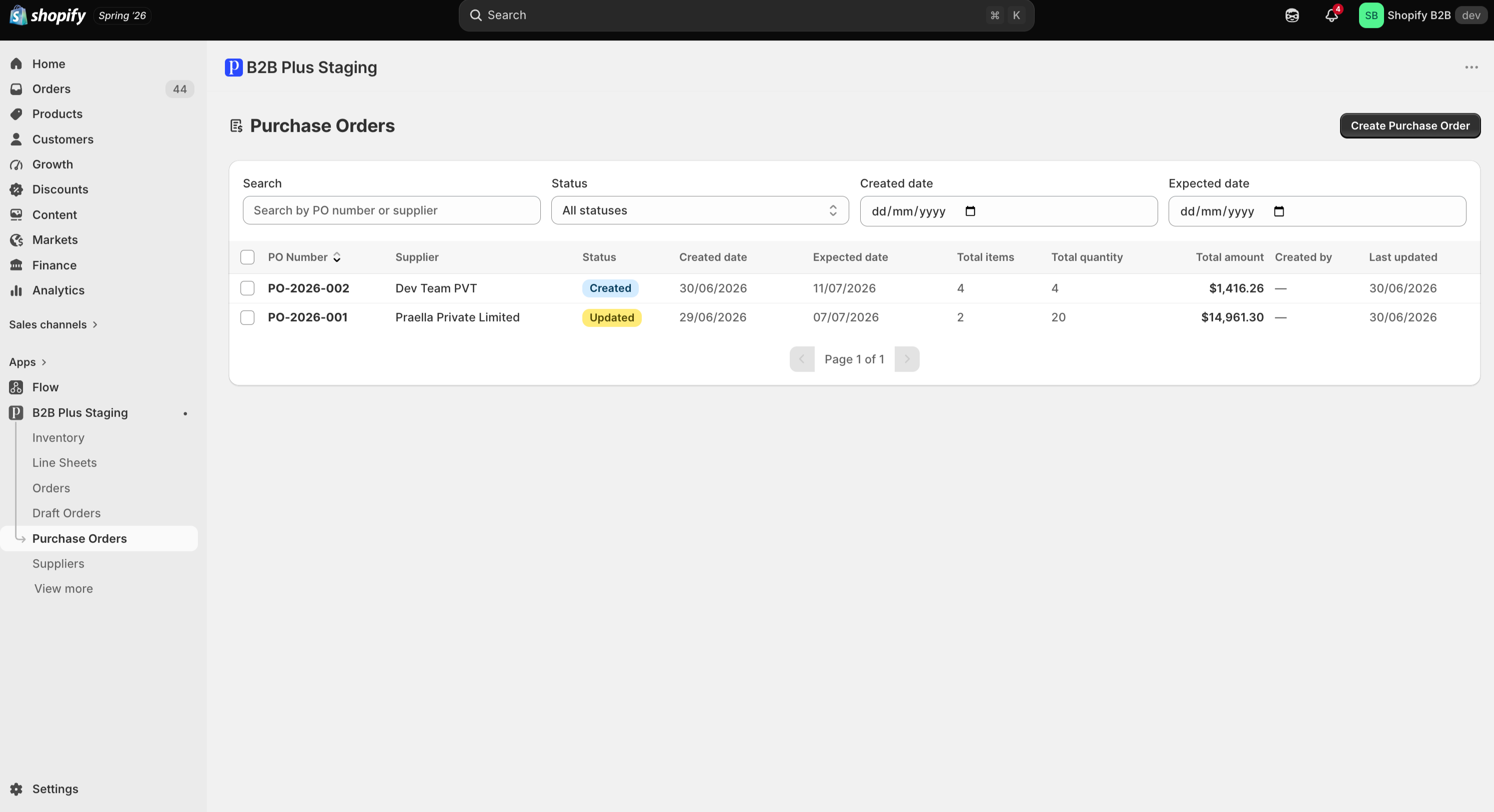
How Purchase Orders Work in B2B Plus
A PO is created against a single supplier and a single destination location, then moves through statuses as stock is received and the order is closed. Receiving is recorded line by line and can happen across multiple sessions; inventory increases as receives are recorded, tying purchase orders directly into the Inventory module's Incoming and On-hand figures.
Benefits of Using Purchase Orders
- A single record ties supplier, destination, cost, and expected delivery together for every incoming shipment
- Partial receiving lets stock become sellable as soon as it physically arrives, rather than waiting for an entire order to land
- Purchase orders can be generated automatically from negative or shortage inventory, with suppliers pre-filled from product–supplier linking
- Every PO's status, totals, and receiving history stay visible on one detail page for audit and reconciliation
Purchase Order Lifecycle
POs move through statuses as they are created, edited, received against, and closed:
| Status | What it means |
|---|---|
| Created | New PO, no edits after save yet |
| Updated | Saved after initial creation |
| Partially received | At least one line has received or rejected quantity, but not all lines are fully resolved |
| Closed | PO is finished (completed in the system) |
| Cancelled | PO was cancelled |