Shopify data sync
Shopify Data Sync queues bulk synchronization jobs between Shopify and B2B Plus, using the same pipelines that ran automatically during the app's initial install. This is the tool to reach for if data drifts out of sync—for example, after a large bulk import in Shopify, or after restoring a backup.
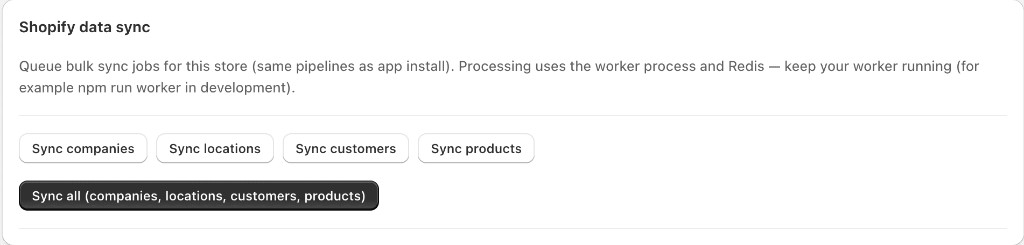
Sync actions
| Action | What it does |
|---|---|
| Sync companies | Refreshes B2B company records from Shopify. |
| Sync locations | Refreshes company location records. |
| Sync customers | Refreshes customer records associated with companies and locations. |
| Sync products | Refreshes product and variant data used across Inventory, Line Sheets, and Purchase Orders. |
| Sync all (companies, locations, customers, products) | Runs all four jobs together in the correct dependency order. |
Background processing
Sync processing runs on a background worker process backed by Redis rather than in the browser request itself. In development, the worker must be running separately (for example, npm run worker) or queued sync jobs will sit pending indefinitely.
When to run sync
- During Installation — use Sync all after first install
- After large Shopify Admin changes (new companies, locations, or catalog updates)
- When troubleshooting stale data in B2B Plus grids or the Dashboard
Watch Logs for job results. Allow jobs to finish before relying on counts in critical decisions.