Searching Orders
The Orders list's search reference. Use the search bar on the Orders page to find parent orders or shipment rows quickly.
In this guide:
Search by Order Number
Use the Search orders field above the table. Search matches order number, Shopify order id, customer email, customer name, and rep-related fields (depending on store data).
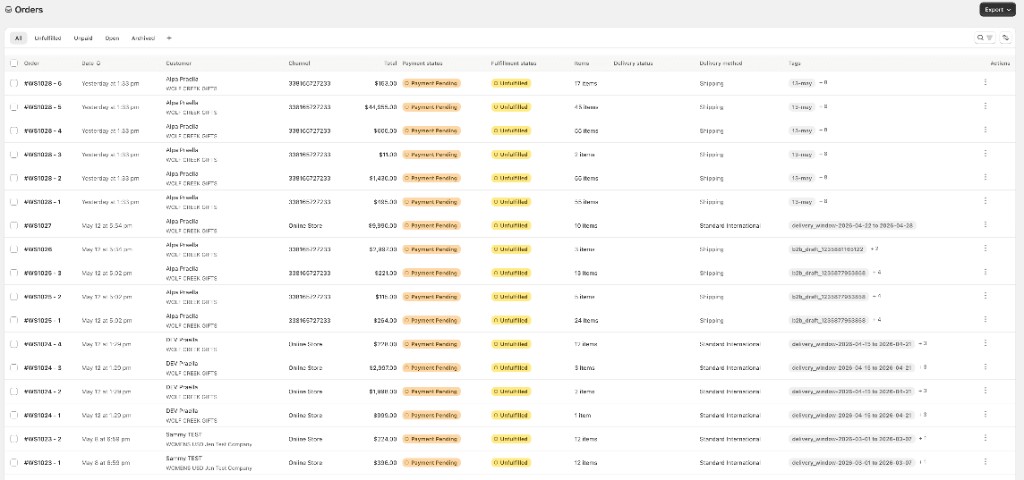
Results update as you type; clearing search restores the unfiltered list for the current tab. Search matches the order name/number (for example #1373 or a shipment number such as #1373-1).
Search by Customer
Search matches customer email or name so you can find orders for a specific buyer without opening filters.
Search by Company
Search matches the B2B company on the order (via customer/rep-related fields) to audit a wholesale account's orders.