Generate Purchase Orders
Use Generate purchase orders on the Inventory page to create purchase orders for items running low or negative, without leaving the inventory workflow.
In this guide:
Creating Purchase Orders
Purchase orders can be created automatically for items running low or negative, directly from the Inventory page, rather than only through the standalone Purchase Orders module.
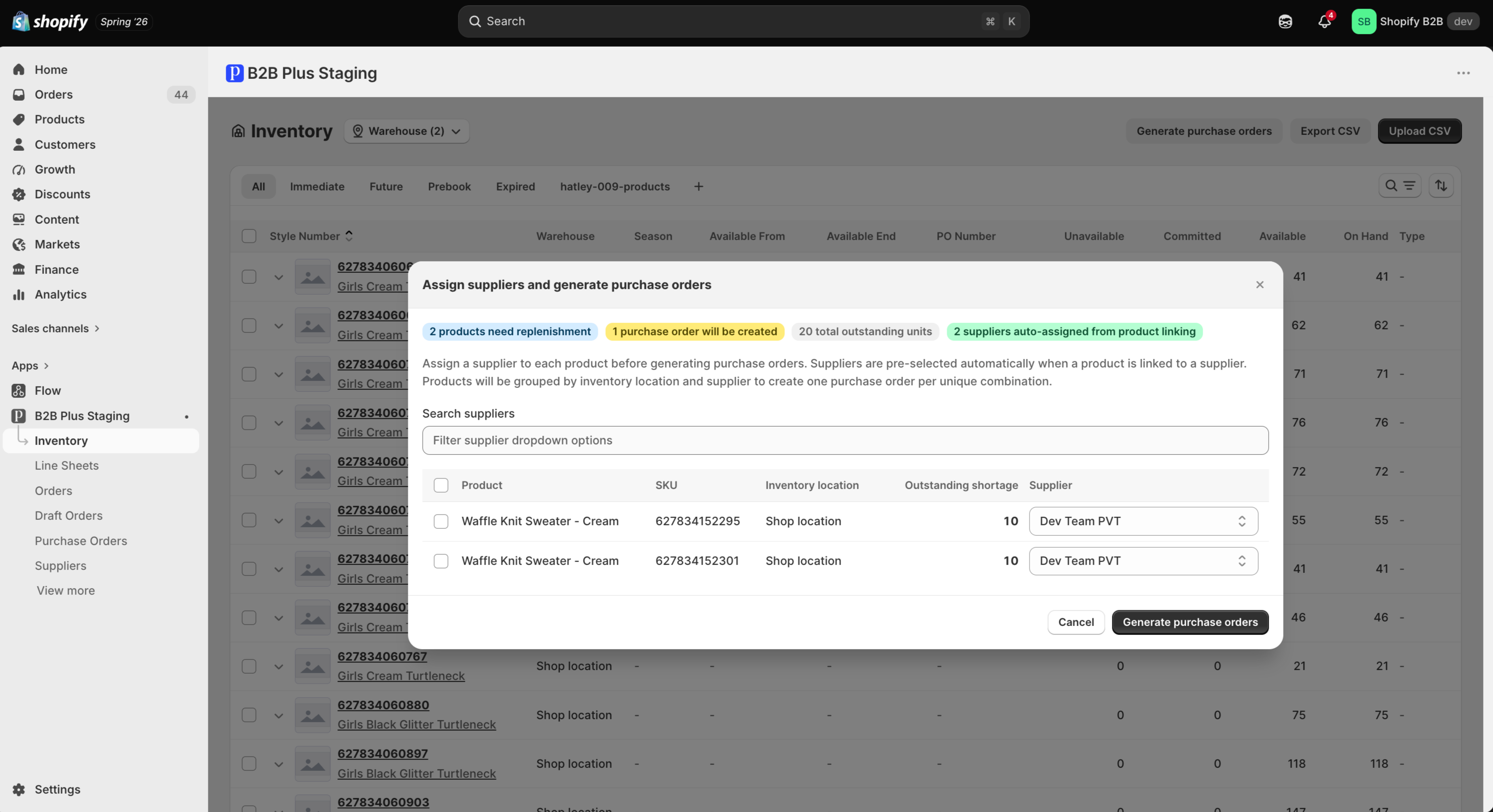
Click Generate purchase orders on the Inventory page to start the flow.
Selecting Inventory
Review the list of items with negative or low inventory that the system has identified as candidates for reorder.
Assigning Suppliers
Each item is linked to the supplier associated with it, so the generated purchase order is pre-populated with the correct vendor.
Purchase Order Creation Process
Set reorder thresholds and quantities for the flagged items, then click Generate to create the purchase order(s).